
Acquiring an API Key
All endpoints require a valid API Key. To generate your API Key, login to the developer portal, select 'Agreements' from the menu, and then click 'Add API Key'.
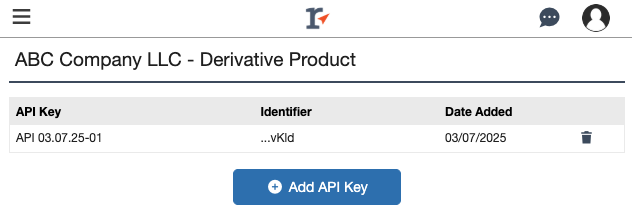
Keep Your API Key Secure
Your API key is private and sensitive. Treat it like a password.
⚠️ Important: Do not share your API key with anyone. Any activity or charges generated using your API key are your responsibility. Once created, Realtracs cannot recover your API key. If you lose it, you must generate a new key.
Tips for keeping your API key safe:
- Store your API key in a secure location, such as a password manager or environment variable.
- Never embed your API key in public code or client-side applications.